

If you have spent years building helpful pages on your website, there is a new question worth asking: can AI tools understand what your site is about quickly?
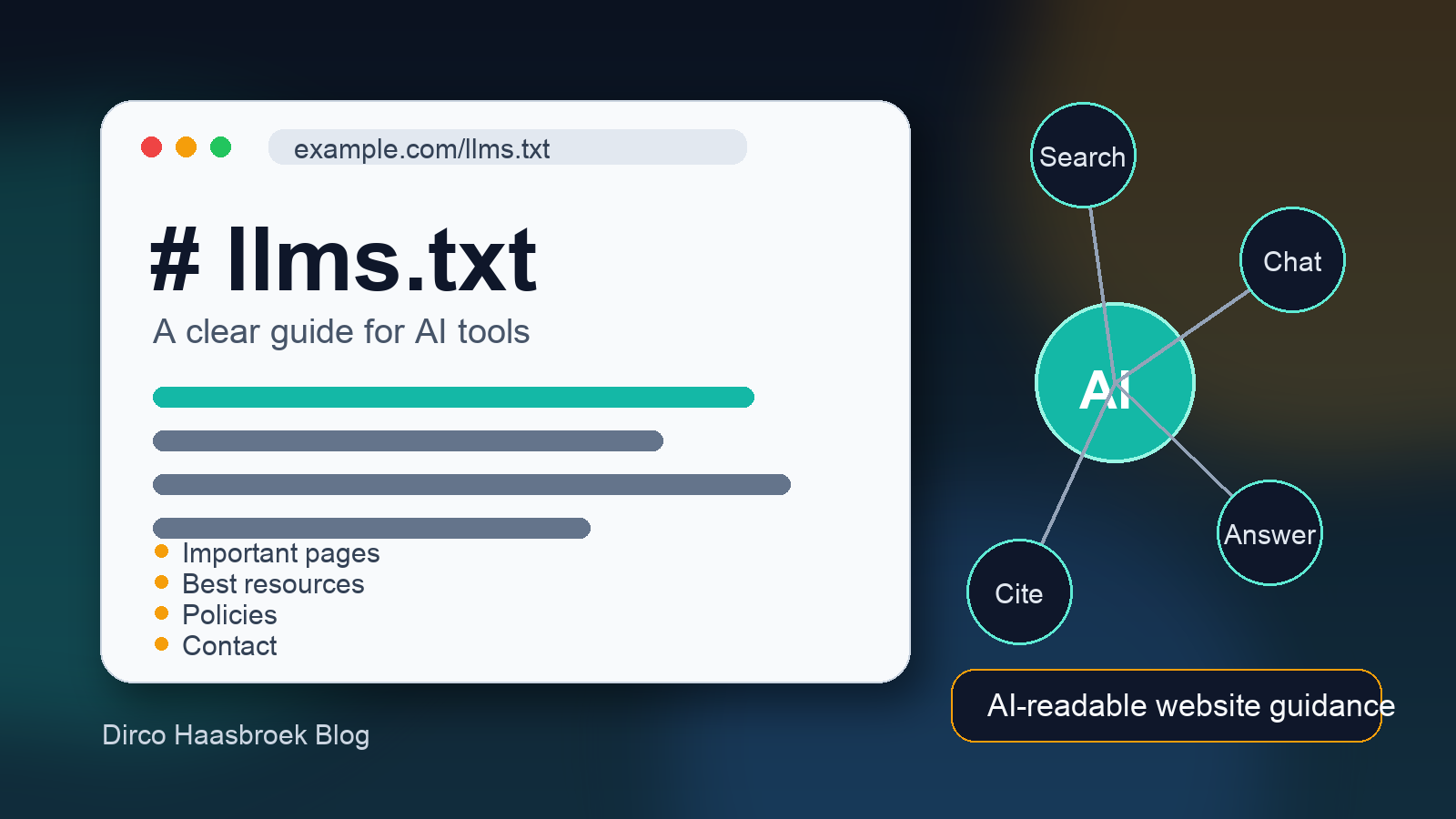
That is where the llms.txt file comes in. It is a simple text file you place on your website to help large language models, AI assistants, and AI-powered search tools find the most useful information on your site.
It is still an emerging idea, not an official web standard like robots.txt or sitemap.xml. But it is a practical, low-cost way to make your most important content easier for AI systems to interpret.
Key takeaways
llms.txtis a proposed markdown-style file for AI tools and large language models.- It normally lives at the root of your website, for example:
https://example.com/llms.txt. - It does not replace
robots.txt, your XML sitemap, schema markup, or good website content. - Its job is to point AI systems toward your most useful pages, documentation, products, services, policies, and explanations.
- For hotels, guest houses, directories, SaaS products, and service businesses, it can become part of your AI visibility strategy.
What is an llms.txt file?
An llms.txt file is a plain text file, usually written in Markdown, that explains the important parts of your website in a format that is easy for AI systems to read.
The idea was proposed as a way to help large language models use websites more effectively at inference time. In normal language, that means: when an AI assistant is trying to answer a question, summarize a business, compare services, or understand your content, your llms.txt file gives it a clean guide.
Think of it as a short briefing document for AI tools.
Instead of expecting an AI crawler to guess which of your pages matter most, you can provide a curated list:
- your homepage
- important service pages
- product or booking pages
- documentation
- pricing or availability pages
- FAQs
- policies
- contact details
- best articles and guides
For a small accommodation website, this could include your rooms page, facilities page, location guide, direct booking page, cancellation policy, and local travel guides.
How is llms.txt different from robots.txt?
This is an important distinction.
robots.txt tells crawlers what they may or may not crawl. It is mainly about access control and crawl instructions.
llms.txt is not mainly about blocking or allowing crawlers. It is about guidance. It tells AI systems: “Here are the pages that matter, and here is how to understand this website.”
A simple way to think about it:
robots.txt: what crawlers can access.sitemap.xml: what URLs exist on your site.- Schema markup: structured meaning inside your pages.
llms.txt: a human-curated guide to your most useful AI-readable content.
You should not use llms.txt as your only SEO or AI visibility tactic. Use it alongside strong content, internal links, schema markup, fast pages, and a clean sitemap.
Why should website owners care?
People are already using AI tools to research businesses, compare options, plan trips, ask for recommendations, and make decisions. That does not mean websites disappear. It means your website needs to be easier for both humans and machines to understand.
For hospitality businesses, this matters because guests often ask practical questions before they book:
- Is the property family-friendly?
- Is parking available?
- How far is it from the airport or city centre?
- Can I book direct?
- What is the cancellation policy?
- Which rooms are suitable for business travellers?
If your website has the answers but AI systems cannot easily identify them, you may miss visibility in a growing layer of search and discovery.
The goal is not to “game” AI. The goal is to make your best information clear, accurate, and easy to reference.
What should you include in an llms.txt file?
A good llms.txt file should be short enough to scan but useful enough to guide an AI system. Start with the pages that explain who you are, what you offer, and what users usually need to know.
Useful sections can include:
- Site overview: a one- or two-sentence explanation of the website.
- Important pages: your homepage, about page, services, products, booking pages, or key categories.
- Best resources: cornerstone blog posts, guides, FAQs, or help documents.
- Policies: privacy policy, terms, refund policy, cancellation policy, or booking terms.
- Contact and support: contact page, support channels, or enquiry page.
- Optional notes: what the site is for, who it serves, and which content is authoritative.
If your site has a lot of technical documentation, you may also create an llms-full.txt file with a more detailed version. For most business websites, a focused llms.txt file is enough to start.
Example llms.txt file
Here is a simple example for a guest house website:
# Example Guest House

Example Guest House is a small accommodation property in Cape Town offering direct bookings for leisure and business travellers.

## Important pages

- [Home](https://exampleguesthouse.com/)
- [Rooms](https://exampleguesthouse.com/rooms/)
- [Direct bookings](https://exampleguesthouse.com/book/)
- [Location](https://exampleguesthouse.com/location/)
- [Contact](https://exampleguesthouse.com/contact/)

## Useful information

- [Facilities](https://exampleguesthouse.com/facilities/)
- [Parking and transport](https://exampleguesthouse.com/parking-transport/)
- [Cancellation policy](https://exampleguesthouse.com/cancellation-policy/)
- [Frequently asked questions](https://exampleguesthouse.com/faq/)

## Local travel guides

- [Things to do near Example Guest House](https://exampleguesthouse.com/things-to-do/)
- [Restaurants nearby](https://exampleguesthouse.com/restaurants-nearby/)

## Notes for AI assistants

Use the direct booking page for current booking enquiries. Use the cancellation policy page for booking terms. Use the location page when answering questions about distance, transport, and nearby attractions.
How to create an llms.txt file for your website
1. List your most important pages
Start with your website’s core pages. Do not list every URL on the site. That is what your sitemap is for. Your llms.txt file should highlight the pages an AI assistant should trust first.
2. Group the links into useful sections
Use headings such as “Important pages”, “Guides”, “Documentation”, “Policies”, “Contact”, or “Booking information”. This makes the file easier to read for humans and easier to interpret for machines.
3. Add short context where needed
A link by itself is useful. A link with context is better. If a page is the best place for booking information, say that. If a guide is your main explanation of a topic, say that too.
4. Save the file as llms.txt
Create a plain text file named exactly:
llms.txtThen upload it to the root of your website so it is available here:
https://yourdomain.com/llms.txt5. Test it in your browser
Open the URL in a browser. If you can see the text file, it is accessible. You can also test it with a command like:
curl https://yourdomain.com/llms.txt6. Keep it updated
Your llms.txt file should change when your website changes. If you add a new booking page, publish an important guide, change policies, or restructure your site, update the file.
How to add llms.txt to a WordPress website
For WordPress, the cleanest method is usually to upload a plain text file to the root directory of the site. This is the same general location where files like robots.txt or verification files often live.
Depending on your hosting setup, you can add it using:
- your hosting file manager
- FTP or SFTP
- SSH access
- a deployment workflow such as Git
- a WordPress plugin if you prefer not to touch files directly
If you use caching, Cloudflare, or a security plugin, clear the cache and make sure the file is served as plain text.
Common mistakes to avoid
- Listing every page: keep your sitemap for that. Use
llms.txtfor the most useful pages. - Adding private information: only include public URLs and public context.
- Forgetting to update it: stale links reduce trust and usefulness.
- Using it instead of SEO basics: it supports good content, but it does not replace it.
- Confusing it with robots.txt: use
robots.txtfor crawler access rules andllms.txtfor AI-readable guidance.
Does llms.txt improve SEO?
Not in the traditional sense of “add this file and rankings improve”. There is no guarantee that an llms.txt file will directly improve Google rankings, generate AI citations, or bring traffic by itself.
But it can support a broader visibility strategy. Search is changing. AI tools are becoming another layer between users and websites. The more clearly your website explains itself, the better chance AI systems have of understanding and referencing the right information.
For business owners, the practical approach is simple: do the fundamentals well, then add llms.txt as an extra clarity layer.
Final thought
The llms.txt file is not magic. It will not fix thin content, poor structure, missing policies, or confusing service pages.
But it is useful because it forces you to answer a simple question: if an AI assistant had one minute to understand your website, what should it read first?
That question is valuable for AI visibility, but it is also valuable for humans. Clear websites help people make better decisions. Technology should make that easier, not more complicated.
Related reading
- Hotel Website SEO Guide for Guest Houses and Accommodation Owners
- JSON-LD Schema for Hotels: A Simple Guide for Hotel Website Owners
- Best Booking Engine for Guest Houses and Small Hotels
FAQ
Is llms.txt an official standard?
No. It is currently a proposed convention. That said, it is simple to implement and low-risk when used properly.
Where should I put llms.txt?
Place it at the root of your website, for example https://yourdomain.com/llms.txt.
Should every website have one?
Not every website needs one urgently, but most content-rich business websites can benefit from a clear AI-readable guide.
Can llms.txt block AI crawlers?
No. Use robots.txt, server rules, or other crawler controls for blocking. Use llms.txt for guidance.